
Open and clean up SMS Backup & Restore files in your browser
Textuoso opens SMS Backup & Restore .xml backups directly in your browser, so you can read every conversation, see the photos and videos inside them, search years of history, and delete what you don’t want to keep. Your backup is never uploaded. It is read on your own device.
A free account is required for the web app. Private. Secure.
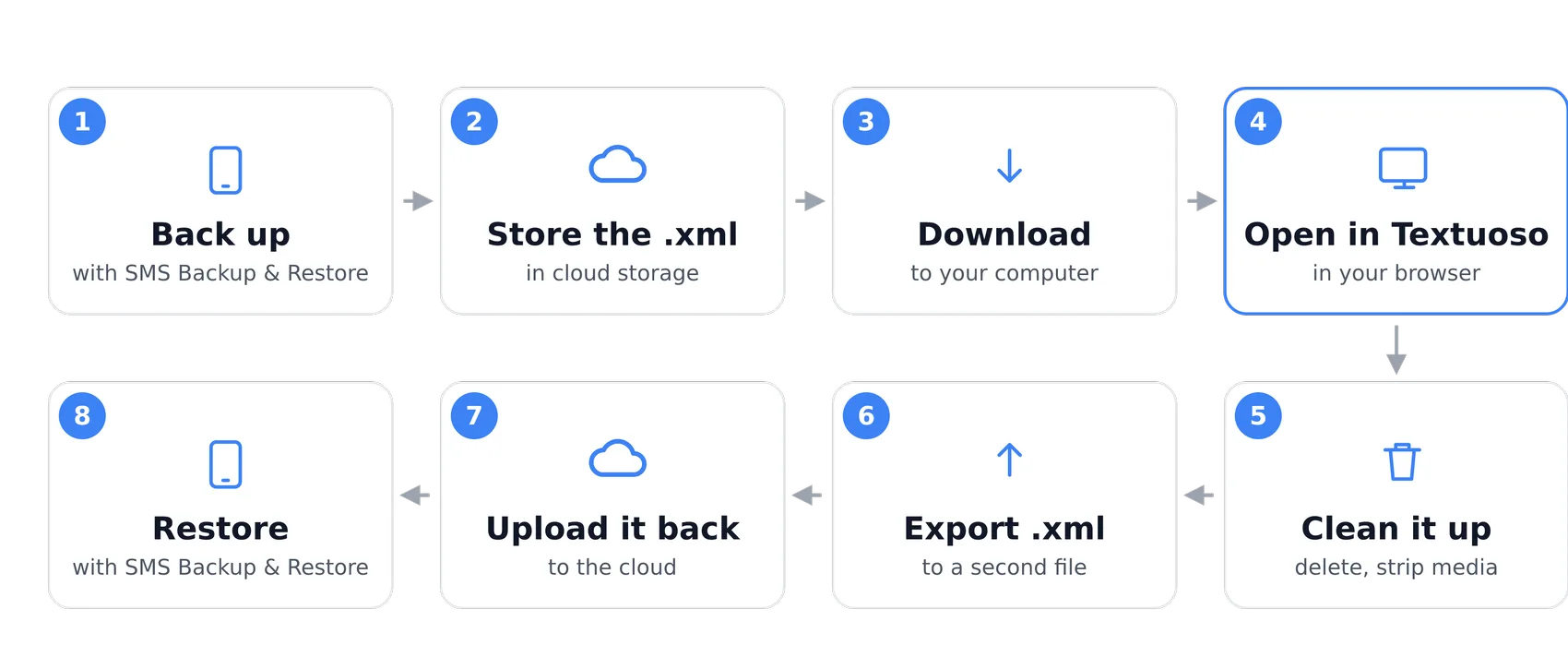
What you can do with a backup file
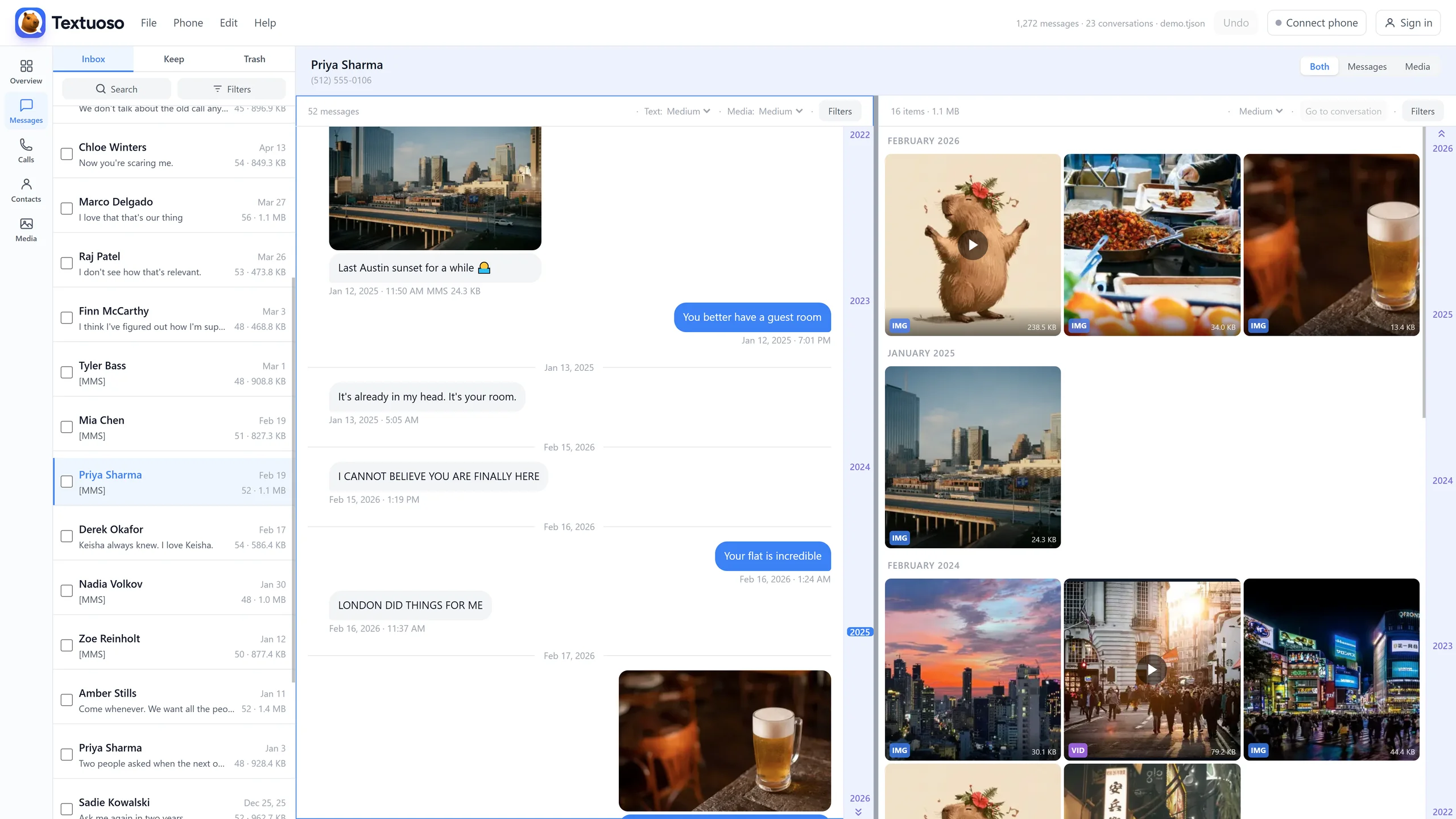
Read every conversation
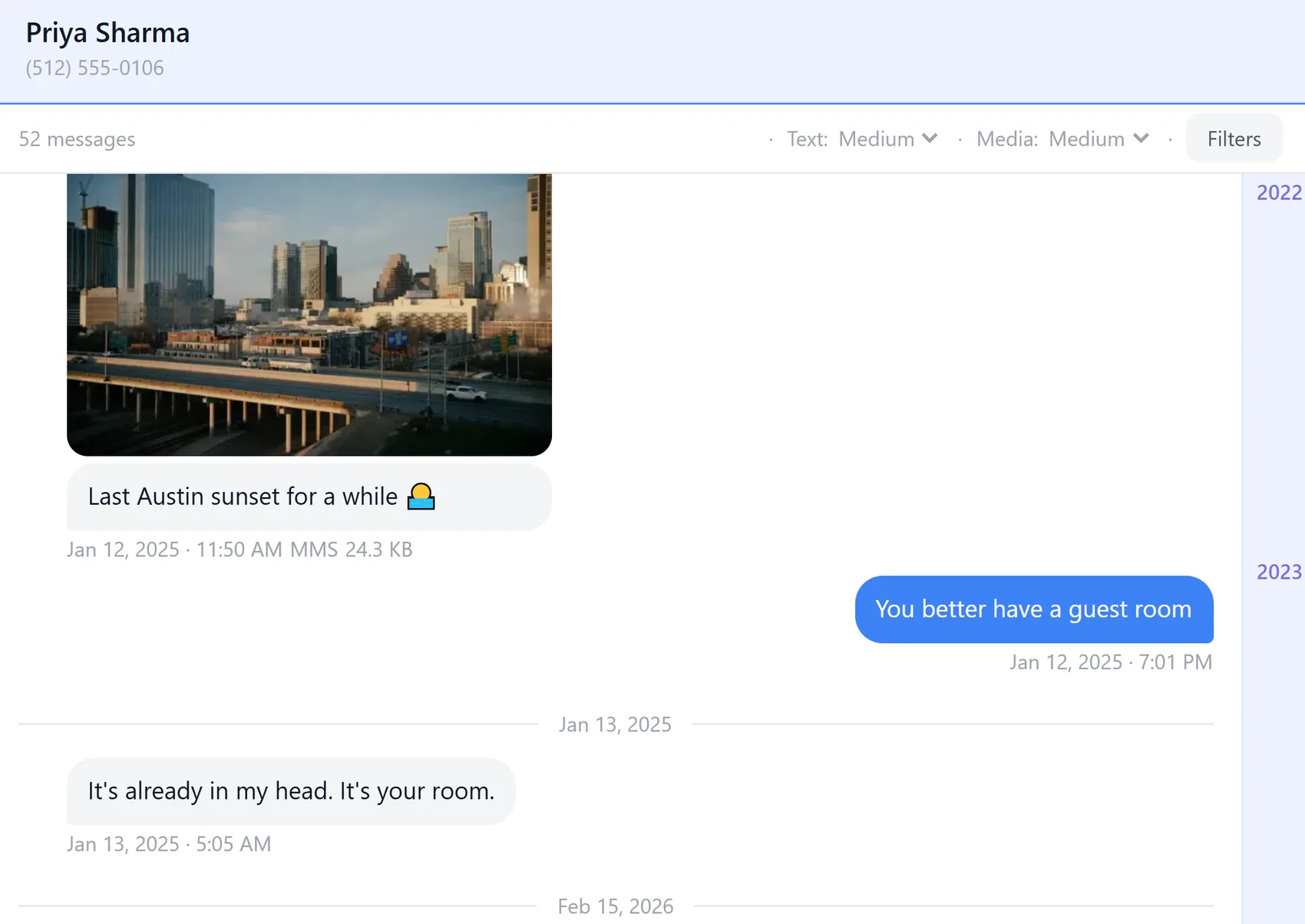
Chat bubbles, contact names, dates. The way the messages looked on your phone.
See the media
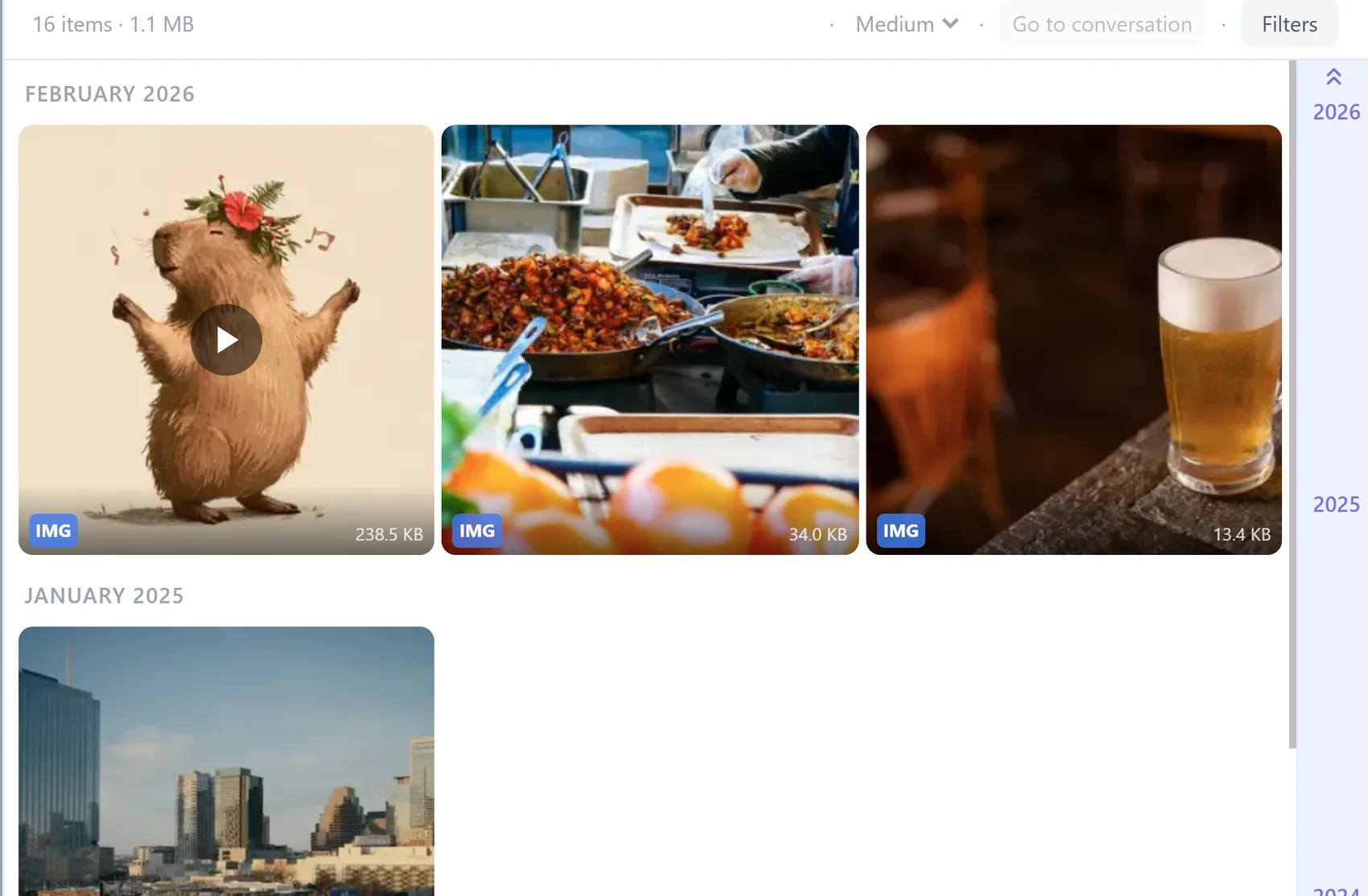
Photos and videos that only ever existed inside a text thread, in a grid you can scroll.
Search years of history
Find a message by word, contact, date, size, or type, instantly, across the whole file.
Delete what you don’t want
Select conversations or single messages and strip attachments, before anything is restored.
Save what matters
Export photos, videos and attachments to your computer, or whole conversations at once.
Restore it to a phone
Write the cleaned backup back to any Android phone with the Textuoso companion app.
A conversation reads the way it did on the phone, photos and all:
Beside it, every photo, video, and attachment in that thread, with its size:
Clean up the backup before you restore it
An SMS Backup & Restore file is normally all-or-nothing: you restore everything in it, including the spam, the 400 MB of forwarded videos, the 10,000 memes, and the conversations you have no reason to keep. Textuoso lets you open the file, remove what you don’t want, and restore only what is left.
This cleanup matters most when storage is tight, or when restoring everything would take all night. Beyond several hundred thousand messages, restore times become impractical. Deleting first makes the restore shorter and the file smaller, and nothing is changed until you export. Your original file is never modified.
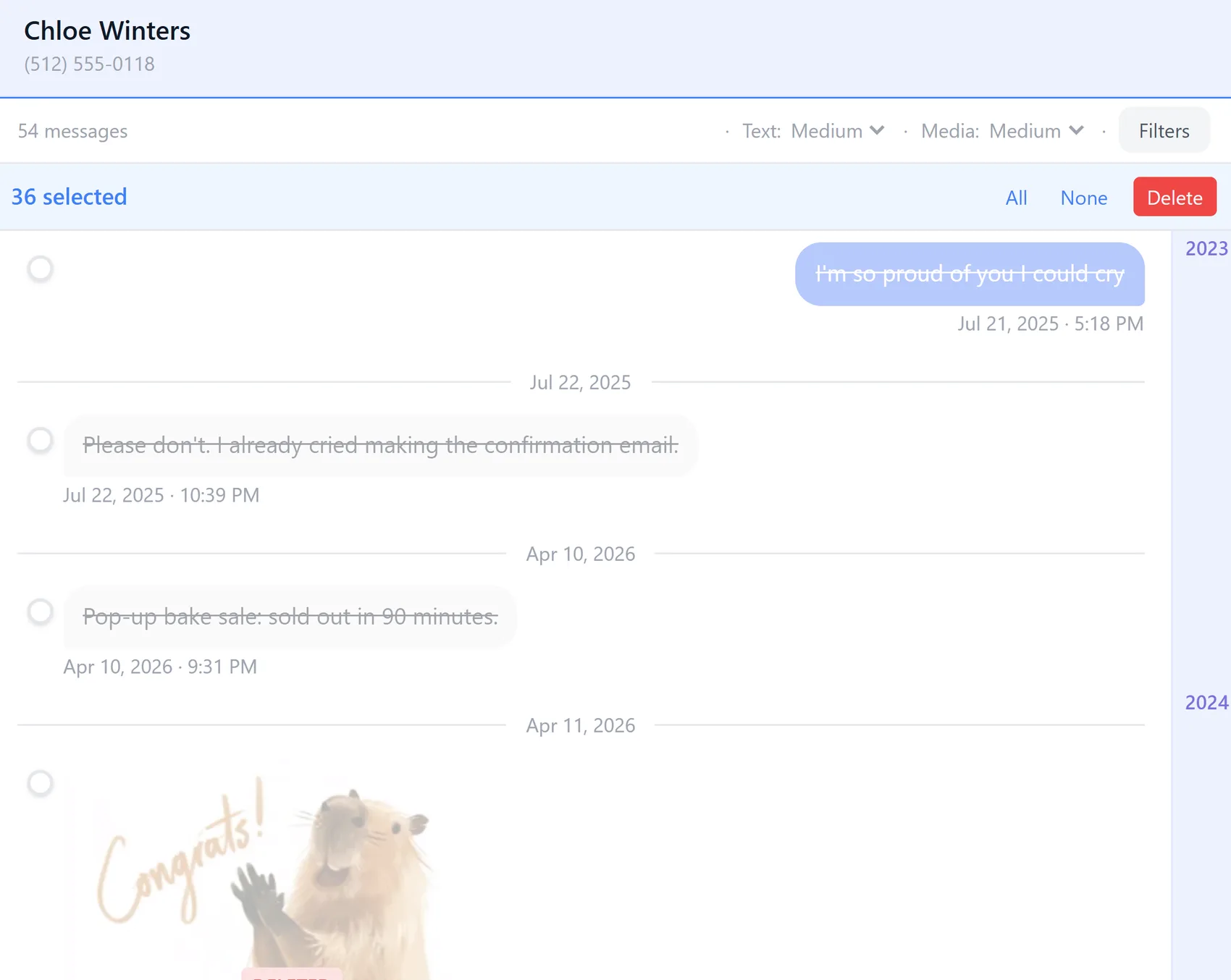
Deleted messages stay where they are, struck through, so you can see what you picked:
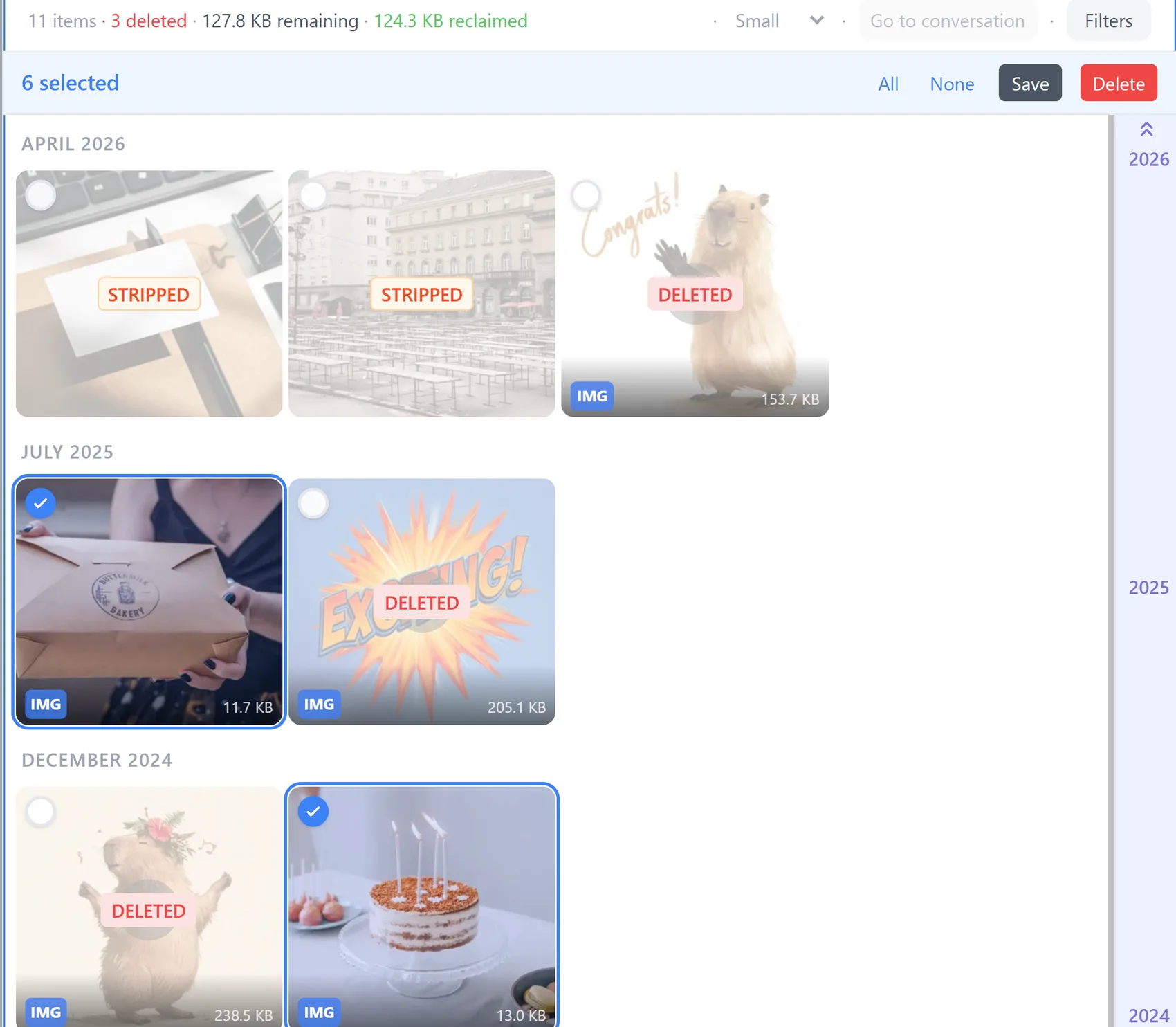
Attachments can go while the messages stay, and the space they took comes back:
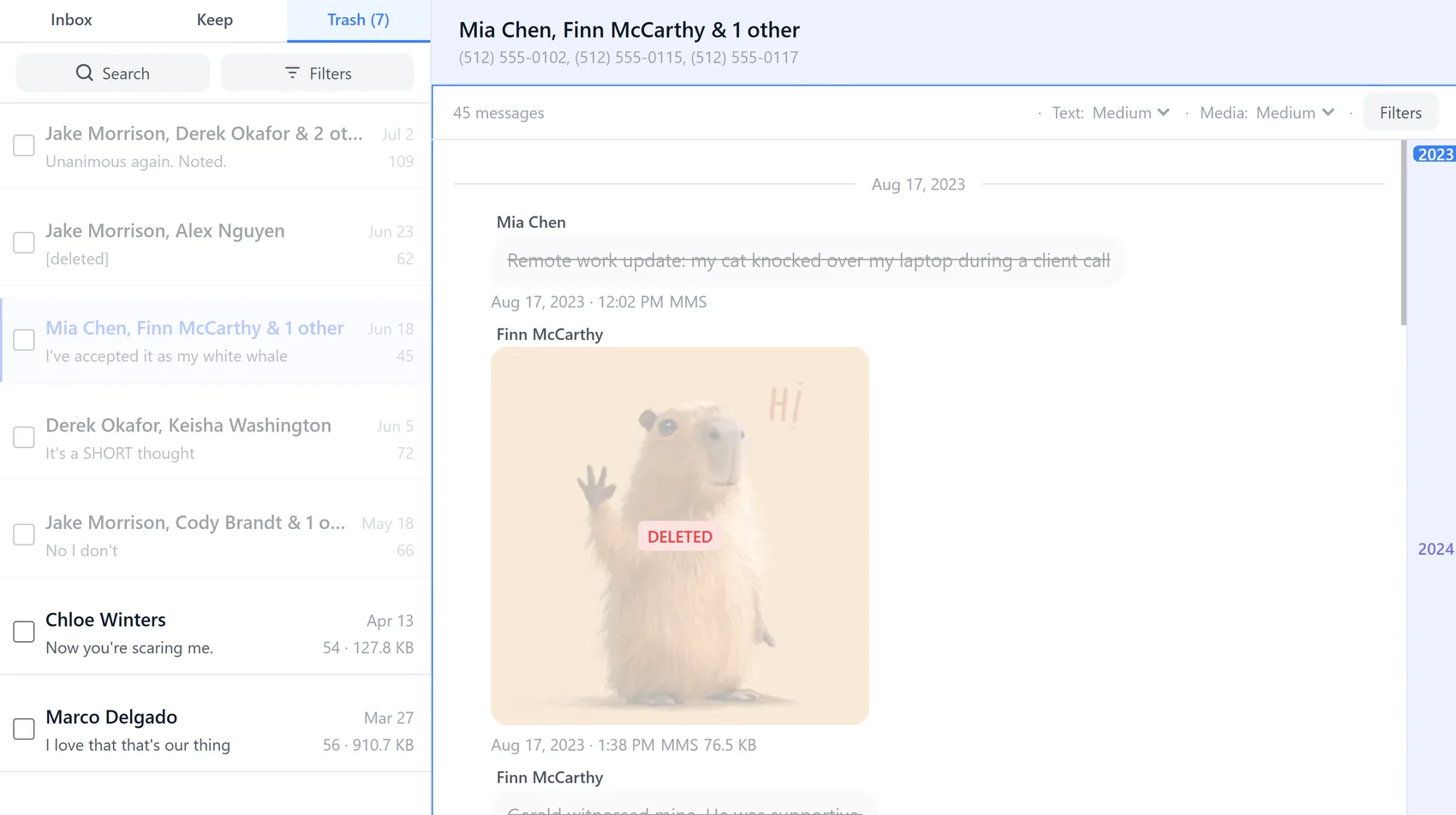
Anything you have deleted turns up in Trash, where it sits until you export, in case you change your mind:
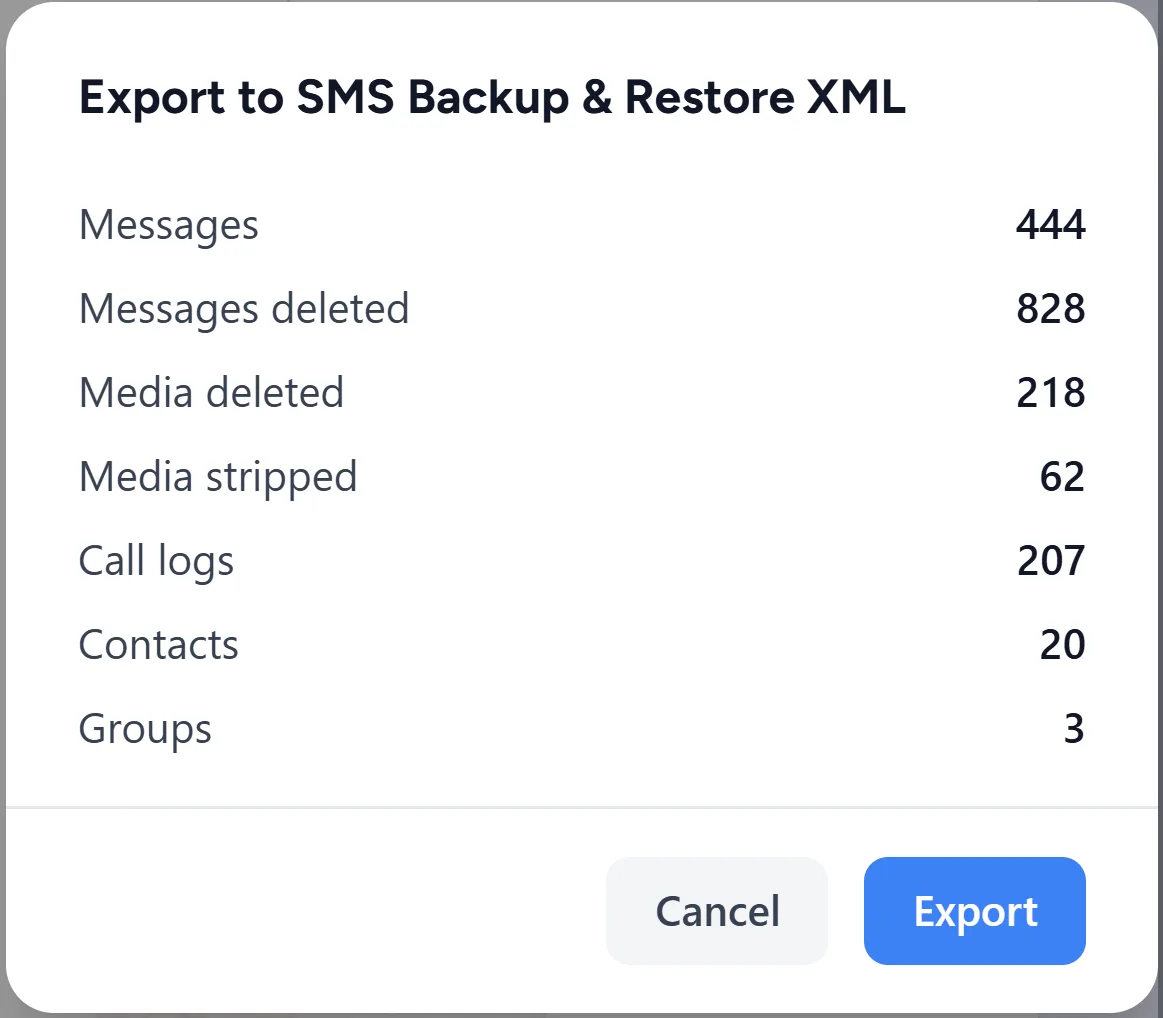
Nothing is written until you export, and the summary says exactly what the new file will and will not contain:
Or skip the XML file entirely
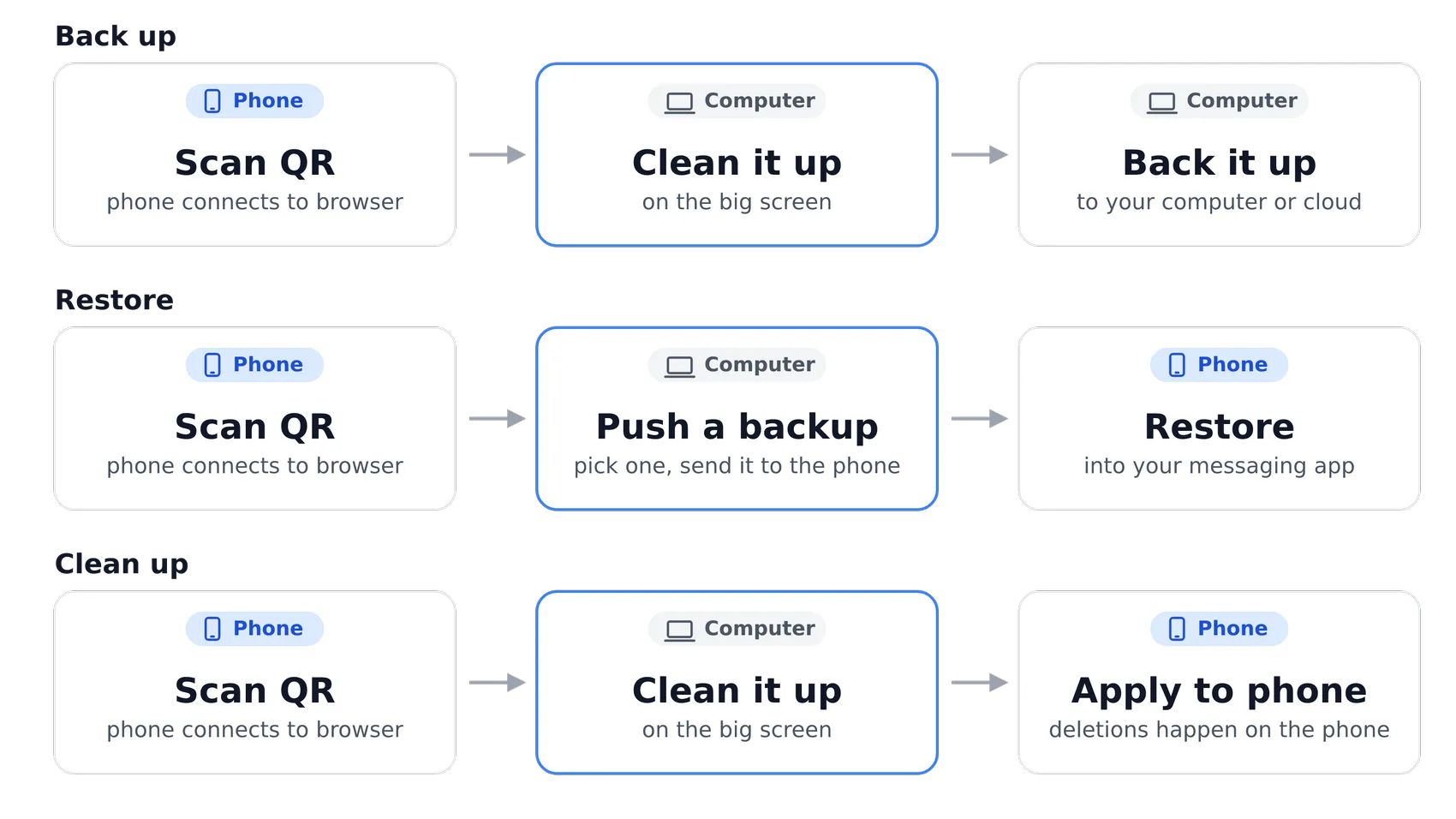
With Textuoso, you can streamline the backup and restore process by streaming your phone’s content to your computer’s browser, instead of having to back up to the cloud first and download that file yourself.
Restoring runs the same way in reverse. Pick a backup in the browser and send it to the phone.
You can also make direct changes to the phone to clean it up without any backup files.
It handles real backups
Textuoso has been tested on backups over 5 GB containing more than 200,000 messages, including MMS attachments and RCS chats. The file is streamed rather than loaded into memory, so a large backup opens on an ordinary laptop, and media is read from the file only when you look at it.
Moving from SMS Backup & Restore
Your existing backups keep working. Open them here, clean them up, and restore them to any Android phone. Going forward, the Textuoso app does scheduled backups, cloud destinations and incremental backups without a paid upgrade.
New backups made by Textuoso are also generally at least 20% smaller, because photos and videos are stored as the original bytes rather than as base64 text, which inflates binary data by roughly a third. A photo forwarded through five conversations is also stored once rather than five times. The demo we provide is an extreme case, with the same pictures repeated across many conversations. That repetition causes the Textuoso backup file to be four times smaller than the same messaging data exported to an SMS Backup & Restore XML file. Real messaging histories are not that lopsided, but they are full of repeated animated GIFs, meme videos, and forwarded photos landing in thread after thread, so the savings are real.
Your backup stays on your device
The file is opened by your browser, on your computer. It is not uploaded to Textuoso or anywhere else, and no one but you can read it. When you connect a phone, it talks to your browser directly over an encrypted connection.