
Find every photo and video in your text messages, and save them
Textuoso pulls every attachment out of your conversations into one grid you can sort, filter and search through, then saves whatever you pick to your computer as real files. Years of pictures nobody ever moved off the phone, in one place, at last.
A free account is required for the web app. Private. Secure.
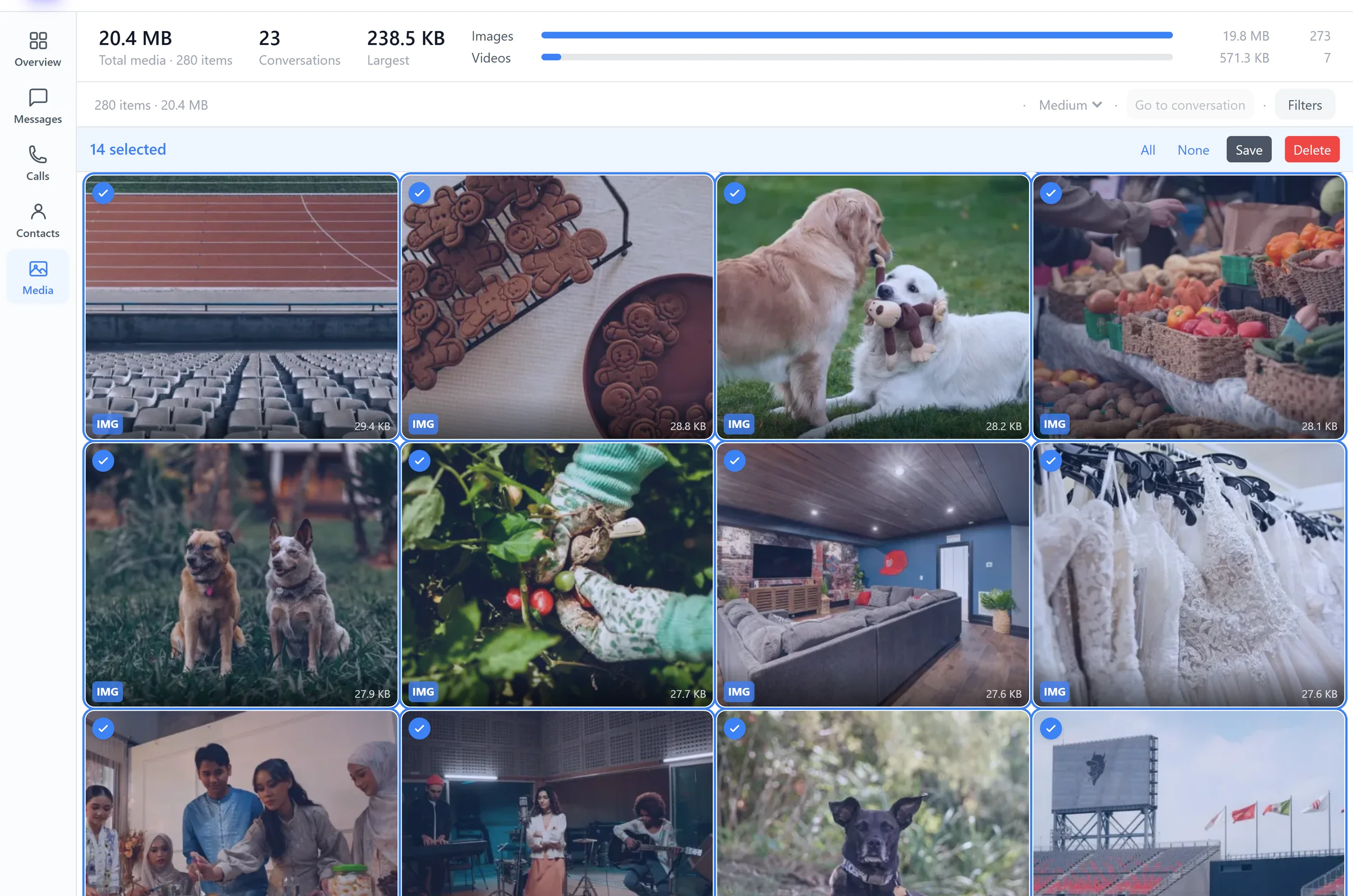
Every attachment in one place
Photos, videos and voice messages from every conversation, in a single grid grouped by month. Videos play where they sit, so you can check one without opening anything. Sort newest first to see what you have been sent lately, or largest first to find what is eating the storage.
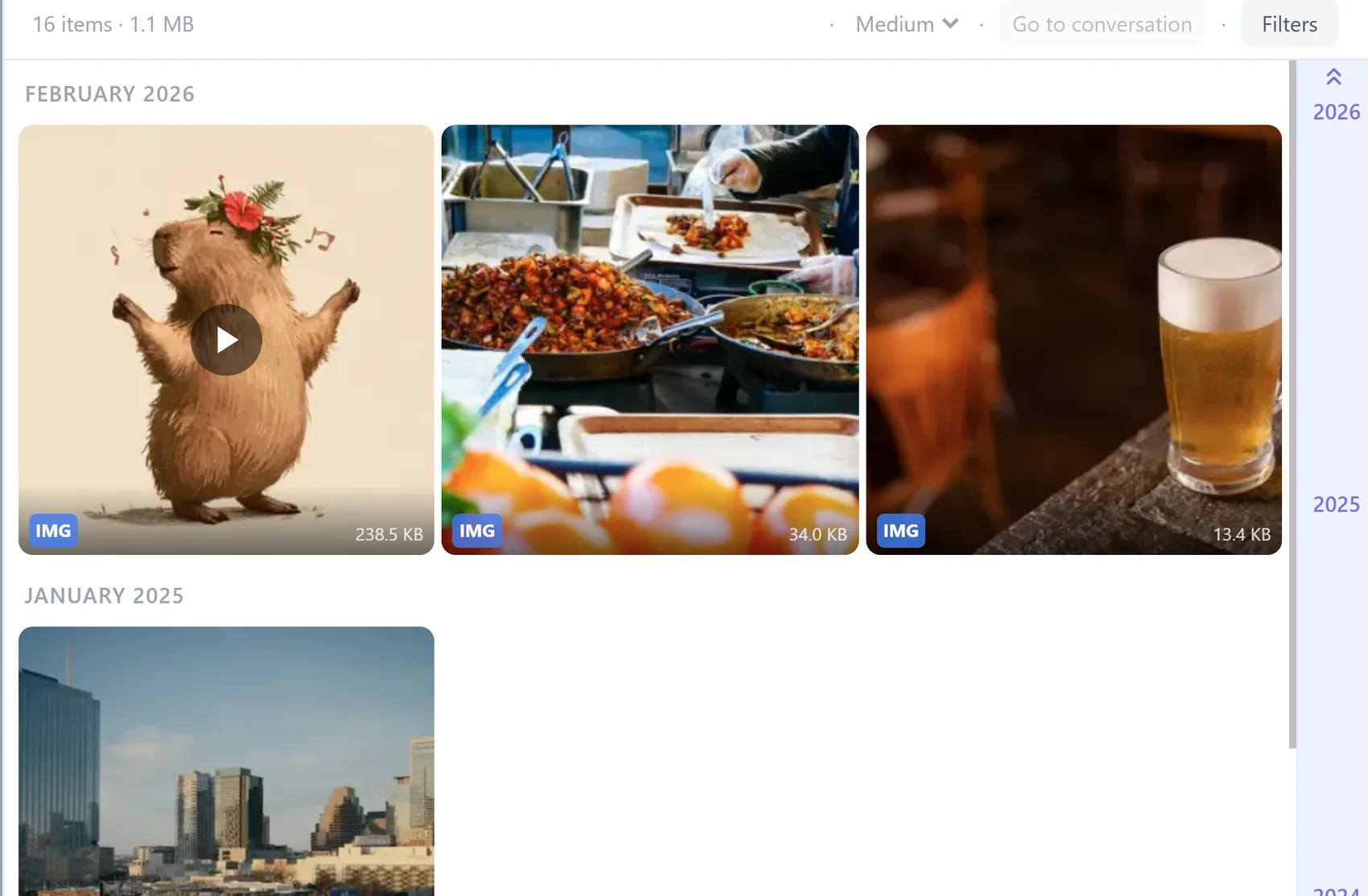
Find the one you are thinking of
You usually remember something about it: roughly when it arrived, who sent it, whether it was a photo or a video. That is enough.
By conversation
Everything one person ever sent you, on its own.
By date
Narrow to the week of the trip, or the year you moved.
Photos, videos or audio
Show one kind at a time when you know what you are after.
Sent or received
What you sent, what came in, or both.
By size
Sort largest first. The long videos come straight to the top.
Back to the conversation
Jump from any item to the message it arrived in, and read what was said around it.
Jumping back to the message is the part that turns a wall of thumbnails into finding something. A photo on its own is hard to place. The same photo with the conversation around it is the day it was taken.
Why they are so hard to find otherwise
Attachments sent by text are not stored with your camera roll. They live inside the messaging database, not in your gallery or your DCIM folder, which is why a file manager cannot show them to you and why they are quietly missing from your photo backups.
It also means they exist in exactly one place. If the phone is lost, replaced, or wiped, every picture anyone ever texted you goes with it, and most people never find out until it has happened.
Save the pictures and videos to your computer
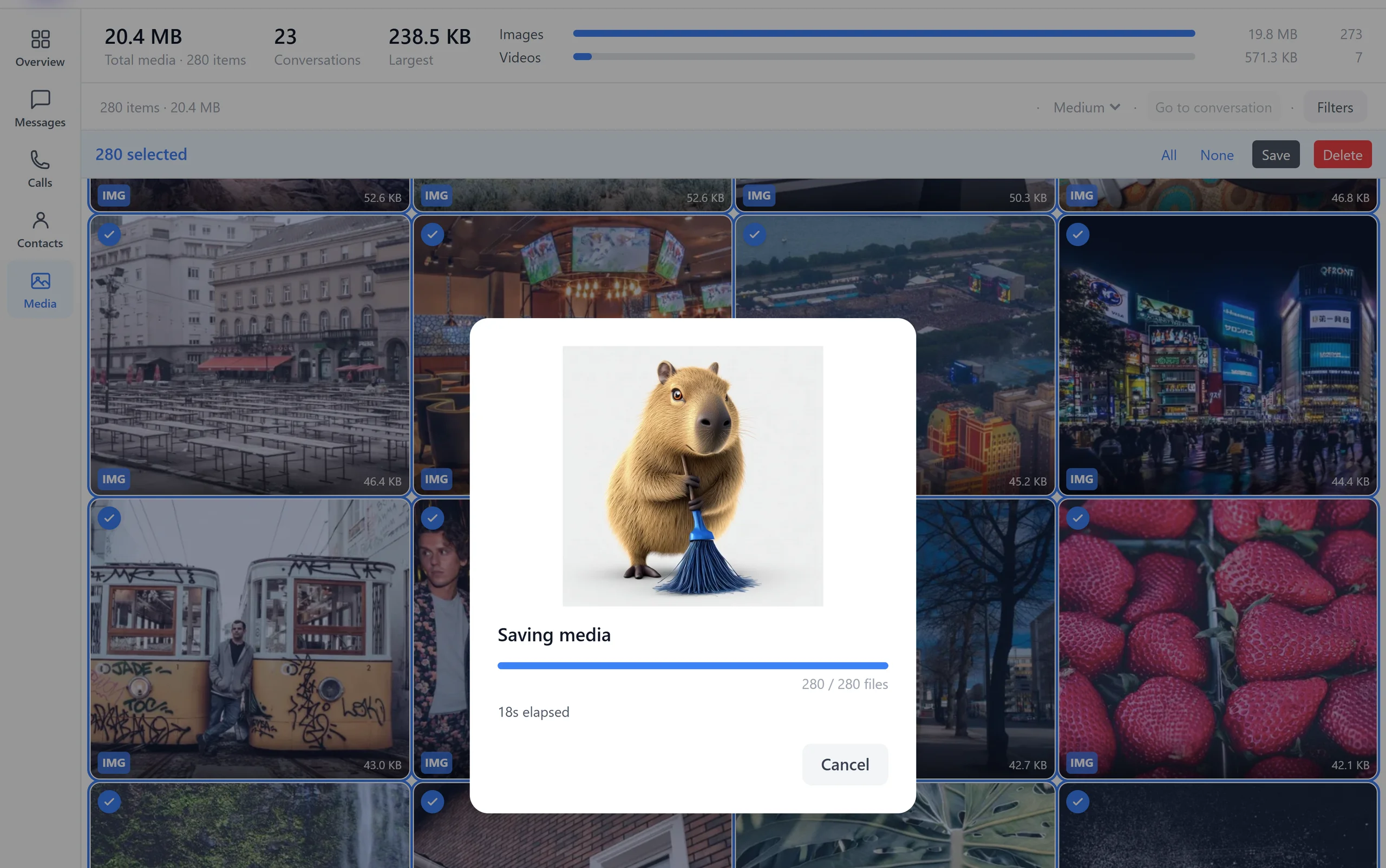
Pick what you want and save it as ordinary files: a single photo or video downloads on its own, and anything larger arrives as a ZIP sorted by conversation. What you get is the original file that was sent, not a screenshot or a shrunken copy.
Whatever you have selected
Select items in the grid, one at a time or a whole range, and save just those.
A conversation at a time
Select one or more conversations in the list and export their media together.
All of it
Select every conversation first, then export. Years of attachments in one pass.
From your phone, or from a backup file
Connect the phone to your browser with a QR code and the attachments load straight from it. If what you have is an old backup instead, open that: the same grid, the same saving, from a file that may hold pictures the phone lost years ago.
Open an SMS Backup & Restore file →Read your texts on a computer →
Or clear out the ones you do not want
Once the pictures worth keeping are safely on your computer, the copies on the phone are just storage. You can strip attachments from messages and leave the conversations themselves intact.
Nothing leaves your devices
Your phone talks to your browser directly, over an encrypted connection. Photos and videos are never uploaded to Textuoso, and there is no server holding a copy. You pick what to keep and save it straight to your own computer.
Common questions
- Where are photos from text messages stored on Android?
- Inside the messaging database, not in your gallery or DCIM folder. That is why a file manager cannot find them and why photo backup apps skip them entirely.
- Can I save every photo from one person at once?
- Yes. Select that conversation and export its media, and everything they ever sent arrives as a ZIP.
- Does saving reduce the quality?
- No. You get the original file exactly as it was sent. Note that the sender’s phone may have compressed it before sending, which nothing can undo afterwards.
- Does it work for videos and voice messages?
- Yes. Videos, voice messages and other attachments sent inside a conversation save the same way as photos. Voicemail is not supported yet: it is kept separately from your messages, not as an attachment to one.
- Does saving remove them from my phone?
- No. Saving only copies. Deleting is a separate action you have to choose.
- Does it work with RCS chats?
- It depends on your phone and carrier. Samsung Messages RCS chats, including their photos and videos, are read directly on Samsung phones, even though the app itself has been retired. On other combinations RCS is sometimes kept in a private database that no other app is allowed to read, so those chats may not appear.